A direct line for two
Private video calls, screen sharing, chat, file transfer and games between two browsers. No account, no install, and nothing you send passes through our server
New room
Rooms
0 openLoading rooms
How files travel
Any 16 of the 20 shards rebuild a block, so up to 4 lost packets per block cost no resend
- Route
- Browser to browser
- Shard
- 32 KB
- Block
- 512 KB
- Code
- Cauchy Reed-Solomon
Everything in one room
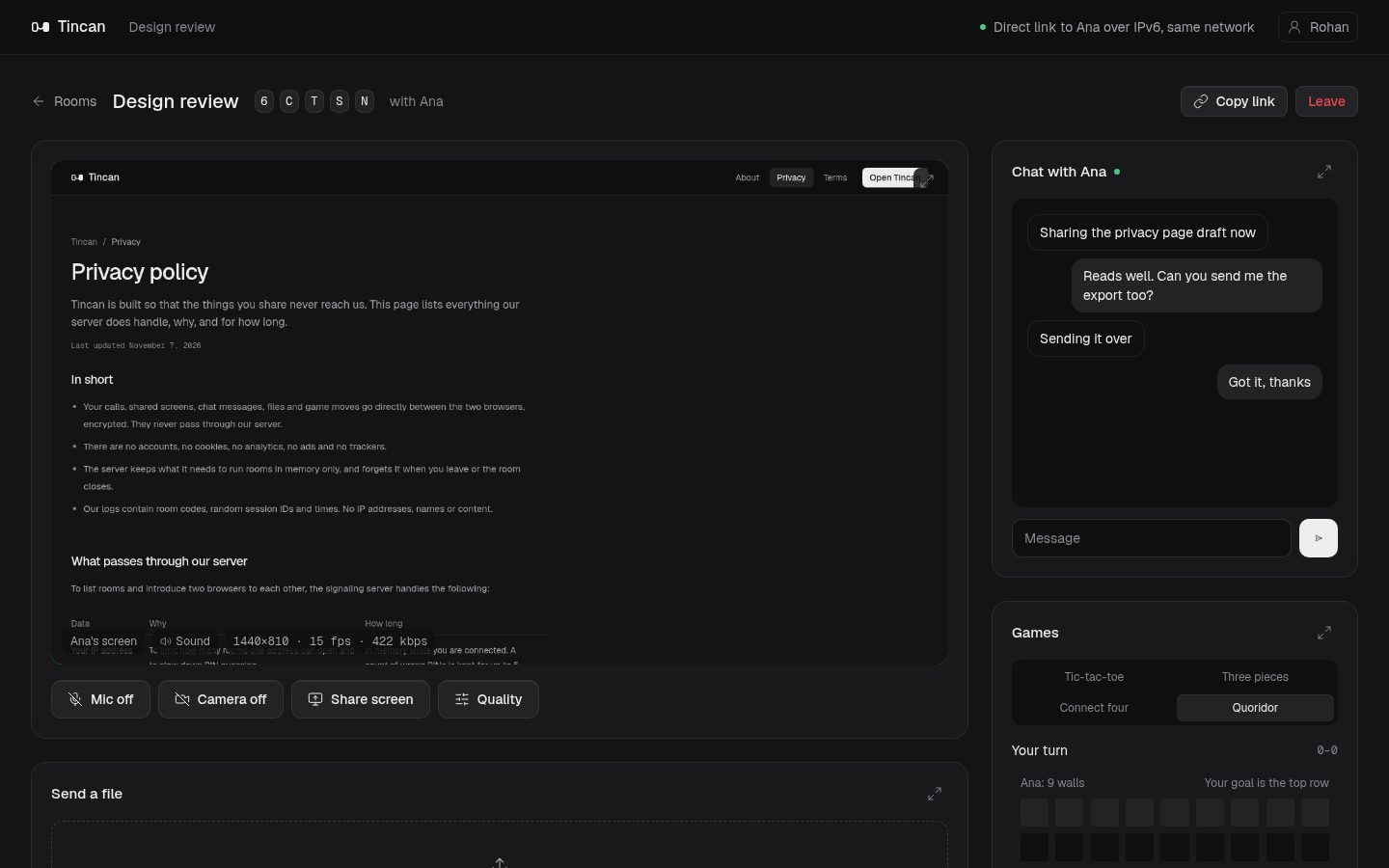
A Tincan room is a private space for two people. Talk, show your screen, pass files and play a round while you wait, without switching apps.
Video and voice calls
Camera and microphone go straight to the other browser. Pick 360p, 720p or 1080p to suit your connection.
Screen sharing with sound
Share a tab, a window or the whole screen, audio included. Choose sharp text for documents or smooth motion for video.
Chat
Messages travel over the same direct link as the call and disappear when you close the tab.
Files of any size
Drop a file and it streams to the other side, with error correction rebuilding lost pieces on the fly.
Four games
Tic-tac-toe, Three pieces, Connect four and Quoridor. Both browsers check every move.
Rooms with a PIN
Add a 4 to 8 digit PIN so only people who know it can join. Empty rooms close after 10 minutes.
How it works
- 1
Create a room
Give it a name and add a PIN if you like. It shows up in the list of open rooms.
- 2
Send the link
The other person opens it in any current browser and joins. Rooms hold two people.
- 3
Talk directly
Once you are both in, everything flows between your two browsers. Our server only made the introduction.
Want the details? Read how Tincan works
Common questions
Is Tincan free?
+
Yes. There is no account, no plan and no limit on call length or file size. Tincan is open source.
Do I need to sign up or install anything?
+
No. Open the site in a current browser, pick a name, create a room and send the link. The other person opens the link and joins.
Is it private?
+
Calls, screen shares, chat messages, game moves and files travel directly between the two browsers, encrypted with DTLS and SRTP as WebRTC requires. Our server only introduces the two browsers to each other and never receives the content.
How many people can join a room?
+
Two. Tincan is built for one-to-one conversations, so a third visitor sees the room as full.
How big can a file be?
+
There is no set limit. Files stream from one browser to the other in 512 KB blocks with Reed-Solomon error correction, so a few lost packets don't force a resend. Very large files are limited by the receiving device's memory.
Does screen sharing include sound?
+
Yes, when your browser offers it. Chrome and Edge can share a tab's audio on every system, and the whole system's audio on Windows and ChromeOS. Firefox shares video only.
Why does a call sometimes fail to connect?
+
Tincan never relays traffic through a server, so both networks must allow a direct connection. Most home and mobile networks do. Some strict corporate or campus networks block it, and then the room shows that no direct route was found.
Which browsers work?
+
Current versions of Chrome, Edge, Firefox and Safari on desktop and mobile. Screen sharing needs a desktop browser.